




Software Backup
Set-and-forget software backups built for compliance teams
Demonstrate backup and disaster recovery compliance with Codekeeper's certified Software Backup solution: encrypted vaults, verified certificates, and immutable activity logs.
From
$89
/mo


What are software backups?
Software backups are secure copies of your application code, databases, configurations, and digital assets stored separately from production systems. Codekeeper maintains these materials with automated daily syncs and immutable version history. When disasters strike, you gain instant access to restore your complete software environment.
Your backups run daily. But you can't prove backups work. When you can't prove backups work, you fail audits. When you fail audits, you lose certifications.
Software Backup prevents:
Complete data loss when systems fail or are compromised
Missing audit trails that regulators demand for compliance certification
Unrecoverable data because restoration procedures were never tested
Lost accreditations when you can't prove your disaster recovery works
Weeks of downtime spent rebuilding systems from scratch
Backup compliance shouldn't be this hard
We've protected software for 3 500+ businesses in the last decade; we understand what keeps you up at night. Your backups run, but proving compliance is manual work. Testing is inconsistent. And auditors demand documentation you don't have. We built immutable backup vaults to solve this — one setup delivers continuous audit trails and verified certificates.

How Software Backup works

1. Book a free demo
Discuss your compliance requirements and backup infrastructure with our team to design the right protection plan.

2. Activate automated backups
Connect your platforms once for daily automated syncing across all repositories — or upload assets manually when needed.

3. Monitor via your dashboard
Track real-time backup status and download any asset instantly without waiting for approvals or release events.

4. Order verification certificates
Get independent verification testing that proves your backup practices meet compliance and disaster recovery requirements.
Book a demo
What goes into your Software Backup deposits
Software Backup protects everything your systems depend on:

Software source code
Complete application codebase with full version history for quick restoration when corruption or deletion occurs.

Application data
Databases and critical business information that keep operations running and records intact.

Deployment assets
Build scripts, environment files, and configuration settings needed to rebuild complete working environments.

Technology & designs
Proprietary innovations and technical designs protected from security threats and competitive risks.

Digital documents
Technical specifications, documentation, and business-critical files secured with automatic timestamps for ownership proof.
Automated and manual uploads
Unlimited storage included
Instant download access
We sync with your systems
Your IT team handles one quick setup — it takes minutes. From then on, you get automated certificates and audit trails with no ongoing technical work.
View all integrations


Compliance documentation at your fingertips
Software Backup delivers the proof your auditors demand without the manual work your team dreads.
Backup verification certificates
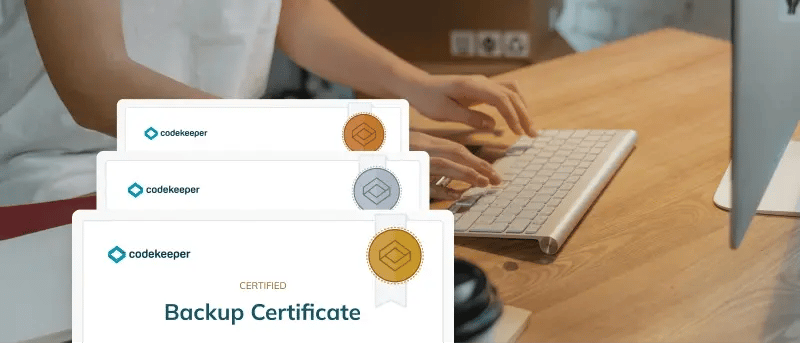
Receive formal certificates documenting your backup practices for ISO 27001, SOC 2, GDPR, and other compliance frameworks without additional fees or manual processes.

Immutable audit trails
View a complete, secure record of every backup with timestamps and version tracking that auditors can verify during regulatory reviews.

Hands-on implementation support
Our team guides you through the entire implementation process to ensure your backup infrastructure meets all compliance requirements from day one.
Self-service for compliance teams
Automated compliance evidence generation
24/7 technical support
Tamper-proof vaults that scale without limits
Your backup infrastructure needs protection as robust as your production systems. Ransomware attacks typically target backup systems first. We secure yours with ISO 27001 certified security for complete peace of mind.

AES256/512 encryption
Preserve your repositories and data with military-grade encryption during transfer and storage so your critical assets remain secure at all times.
Multi-factor authentication
Ensure only authorized team members access your backups with layered security controls that prevent unauthorized retrieval attempts.

Unified backup management
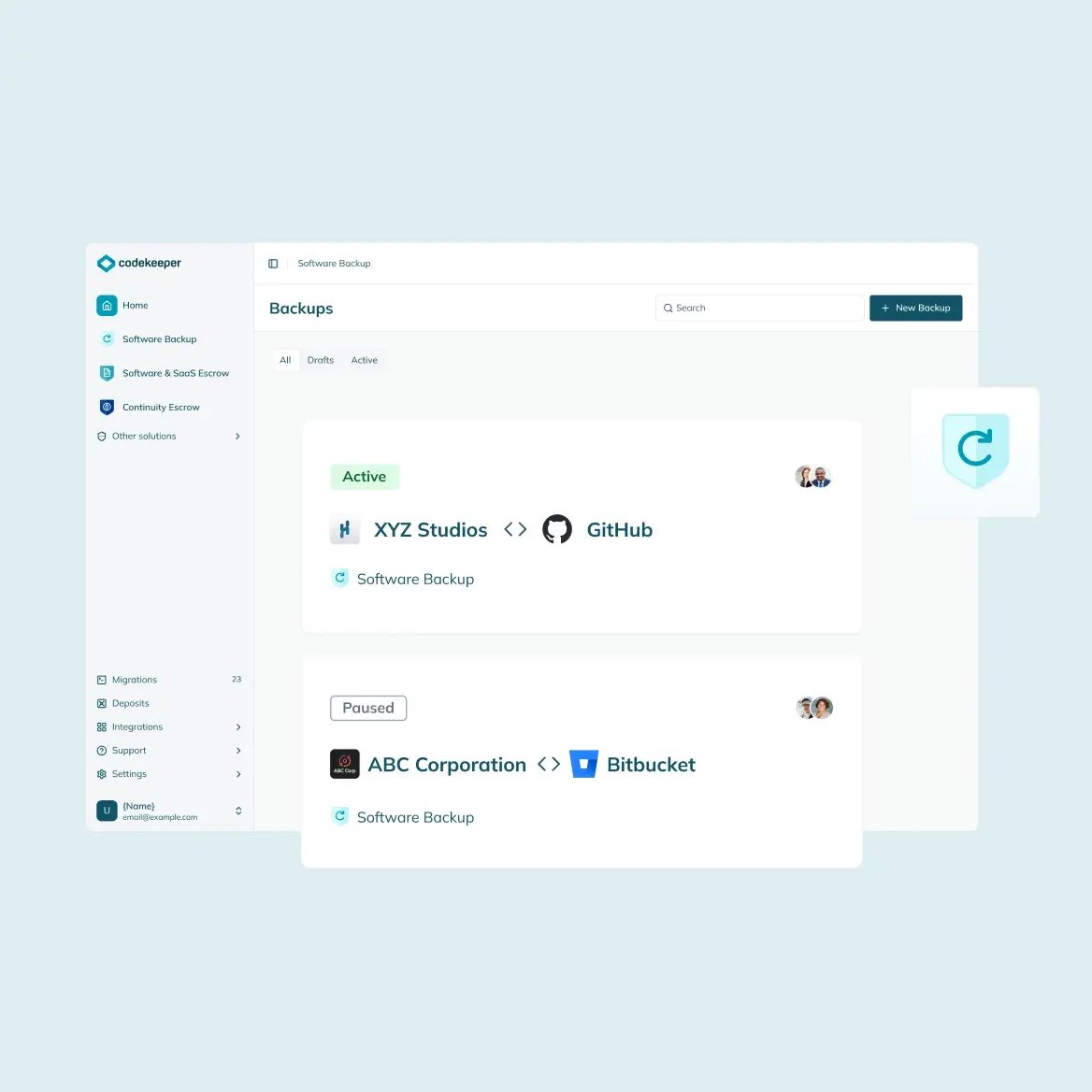
Manage backups from GitHub, GitLab, Bitbucket, Azure DevOps, and more in one dashboard with complete visibility across all repositories.
ISO 27001 certified
Zero-trust access
Backup isolation from production networks
Choose verified backup restoration
Software Backup creates secure copies of your critical assets. Verification testing proves they're recoverable. Compliance requires both — secure storage and certified proof that restoration works when disaster strikes.

Validated
FREE
Automated scans confirm all required materials made it into your backups.
Includes: Basic Software Resilience Certificate

Verified
Automated deposit monitoring tracks backup activity to confirm file integrity, content completeness, and structural validation.
Includes: Enhanced Software Resilience Certificate

Certified
Expert engineers perform technical build testing, deployment verification, and functional testing to confirm full recovery capability.
Includes: Premium Software Resilience Certificate
Compare all verification levels
If you need backup proof for compliance, activating Software Backup is the right decision.
Most companies discover their backup gaps during an audit or disaster. You can identify and close yours today with a free risk assessment from our team. Your assessment includes:
Compliance gaps in your disaster recovery documentation
Expert guidance on backup infrastructure requirements
Recommendations on verification tiers for your regulatory needs

Need protection for other software types?
Explore our complete software resilience platform.

Software Escrow
Access on-prem software assets whenever needed to recover critical systems instantly.
Learn more

SaaS Escrow
Keep continuous access to SaaS applications, data, and dependencies.
Learn more

AI Escrow
Secure your AI stack's model deployments, workflows, agents, and prompts.
Learn more

Continuity Escrow
Eliminate revenue-impacting downtime from service disruptions.
Learn more