CUSTOM INTEGRATION
Codekeeper x GitLab Self-Managed
Connect your assets by activating an integration with GitLab Self-Managed, ensuring the most recent version is always ready for recovery.

Security with GitLab Self-Managed
We employ modern, industry-standard technologies to ensure that every aspect of our interaction remains secure and private. We take advantage of your platform's built-in access management features and, combined with our own multi-layered security, ensure that the once-off integration activation process allows Codekeeper to seamlessly integrate with your source code management platform.

Integrate GitLab Self-Managed in a few simple steps
1
Click on the “Activate” button to select your integration.

2
Go to your GitLab Self-Managed account and create a new Access Token.
3
Apply the necessary scopes.
4
Generate the access token & copy the details.
5
Return to the Codekeeper Platform and enter the token details into the available fields.


All instructions have been listed in the Codekeeper platform as well. If you need more assistance, you can contact us.
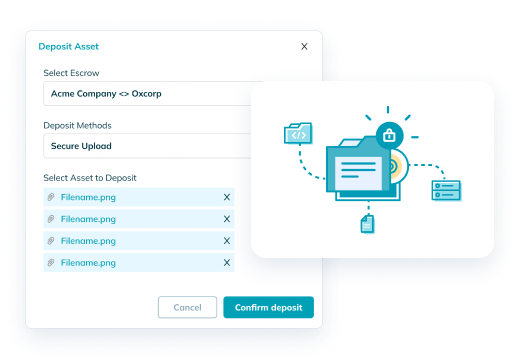
Deposit your GitLab Self-Managed assets manually with our Secure Upload feature
If you prefer a manual upload, our direct upload system also provides you with an alternative, secure way to deposit your material. Just upload your assets and we'll do the rest!